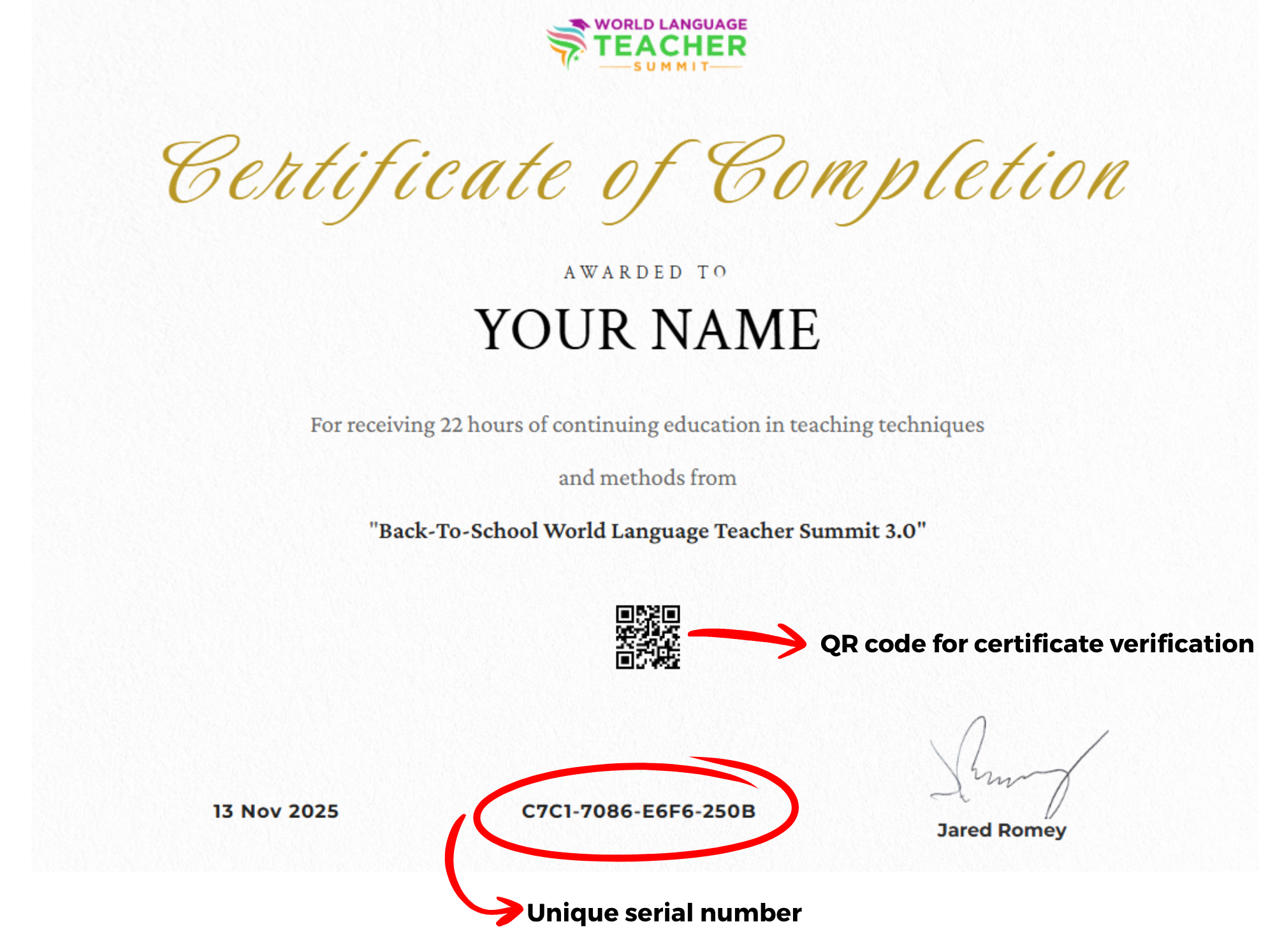

Once you complete this conference at 100%, your digital PD Certificate will be available for you to download.
 Contact us to receive your certificate: We are currently experiencing a technical issue that is causing PD Certificates to download incorrectly.
Once you complete the Summit, please email us at support@masteryroute.com, and we'll download your certificate from the admin backend and send it to you as an email attachment.
How do you receive your PD Certificate?
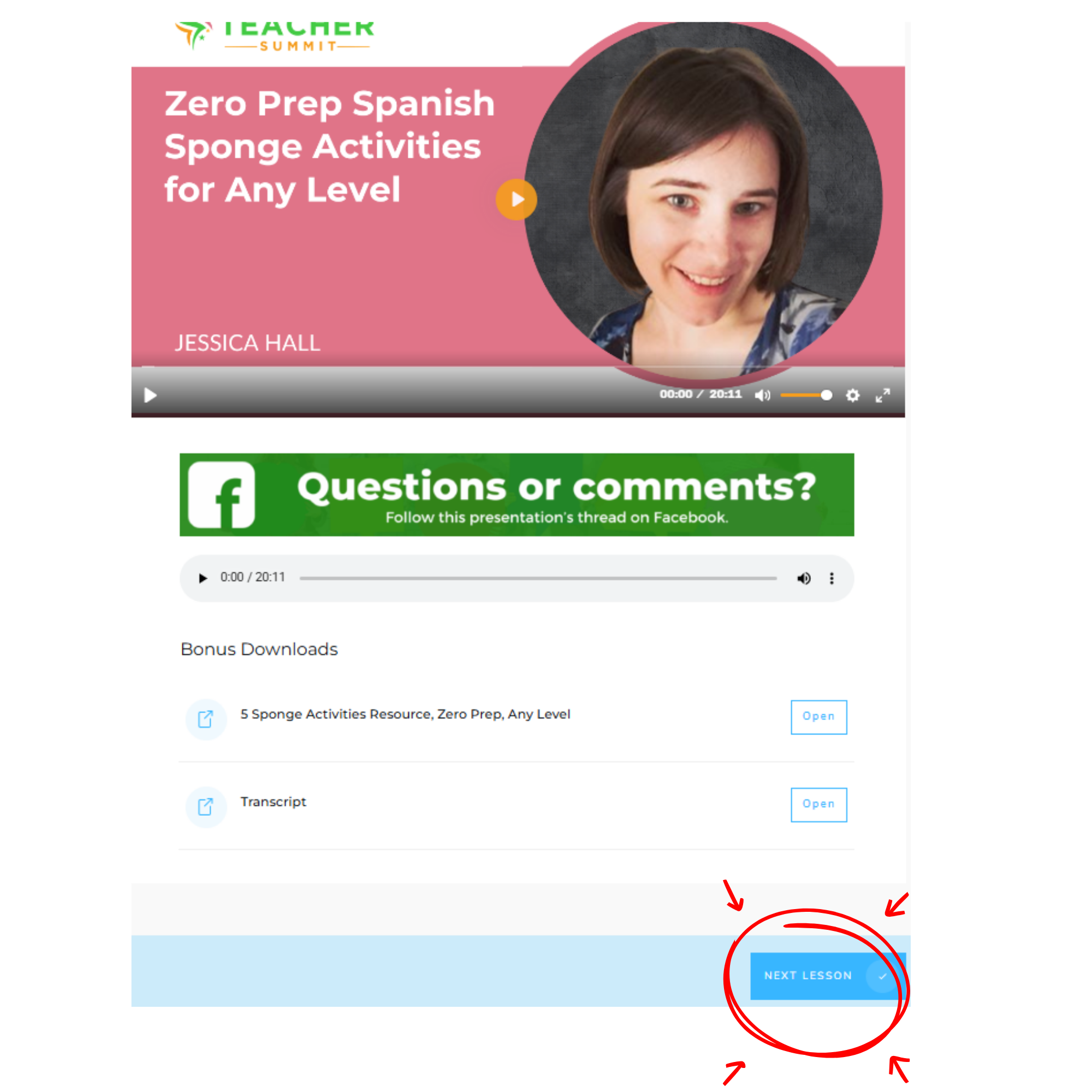
To receive your PD Certificate, you must enter every lesson in the Summit and click the “Next Lesson” button at the bottom of each page. Only this button marks the lesson as completed.
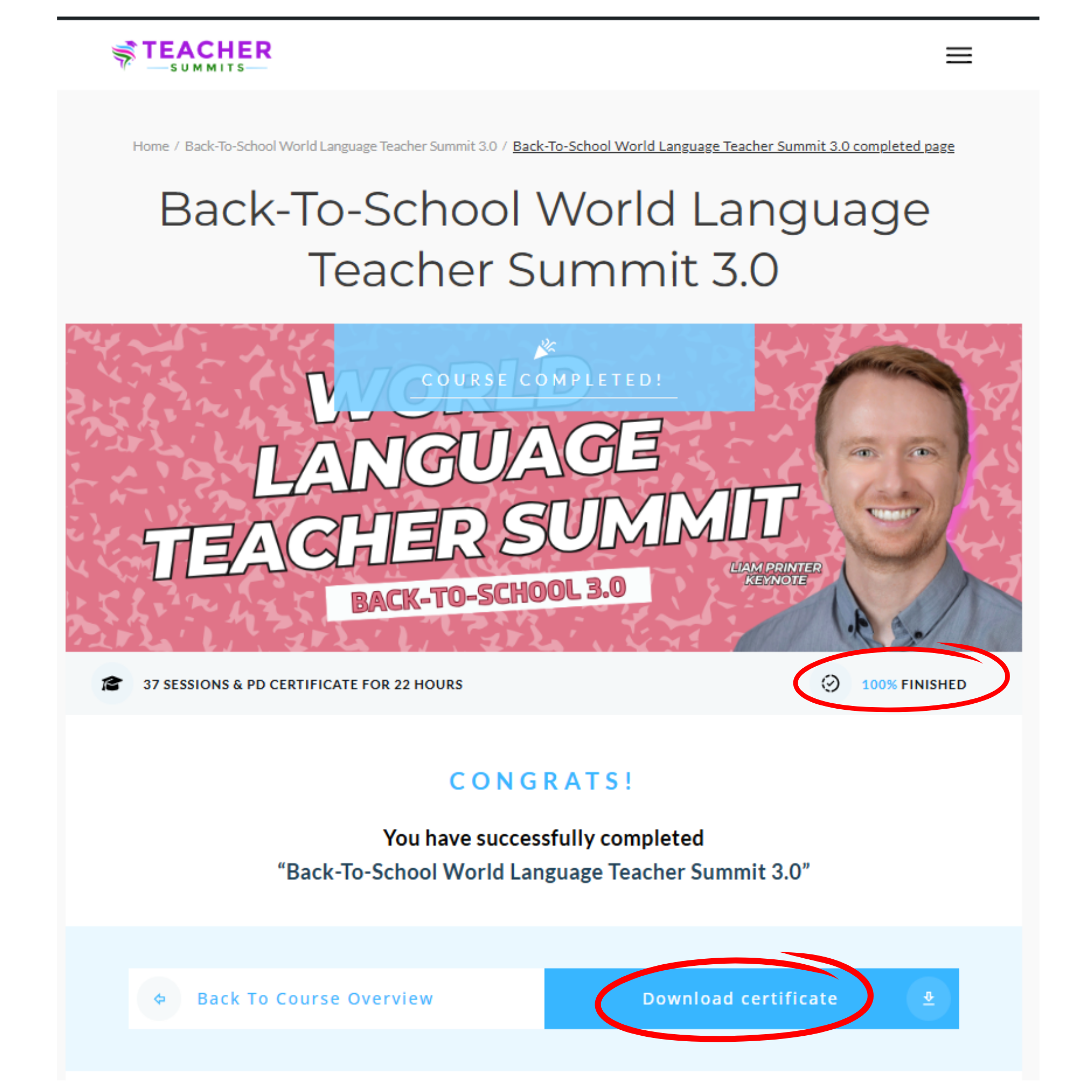
Once your progress reaches 100%, a “Download Certificate” button will appear on your screen, allowing you to download your certificate.
Steps to receive your PD Certificate:
1. Log in to your VIP Area.
2. Click “Go to Lesson” in Introduction to begin.
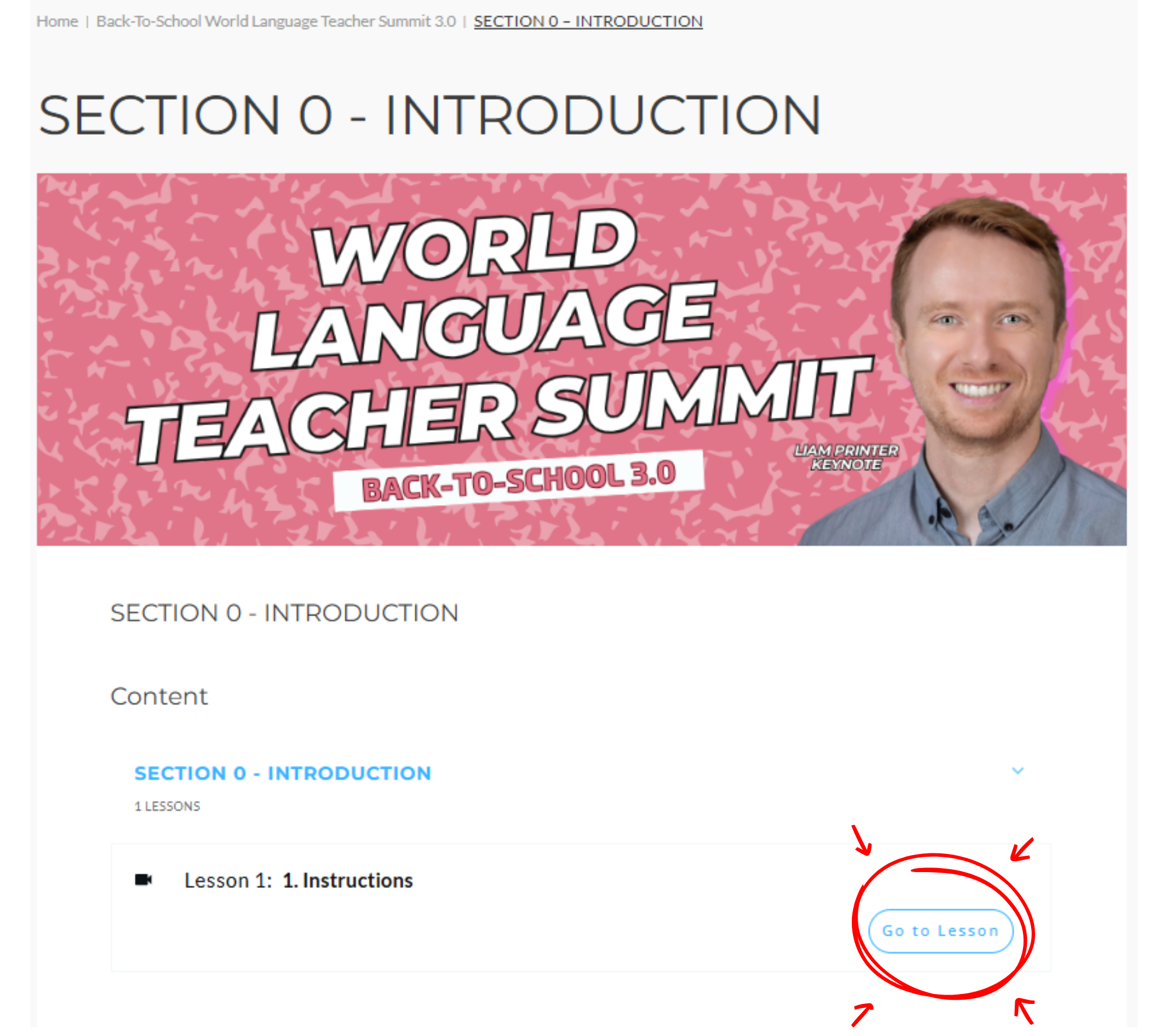
3. Every time you enter a new section, you will first see the main section page.
Click “Go to Lesson” to open the first lesson of that section.
Once inside the lessons, scroll to the bottom and click “Next Lesson” to move through the entire section. This is the only way to register your progress.
4. Each time you click “Next Lesson,” your progress bar will increase accordingly.
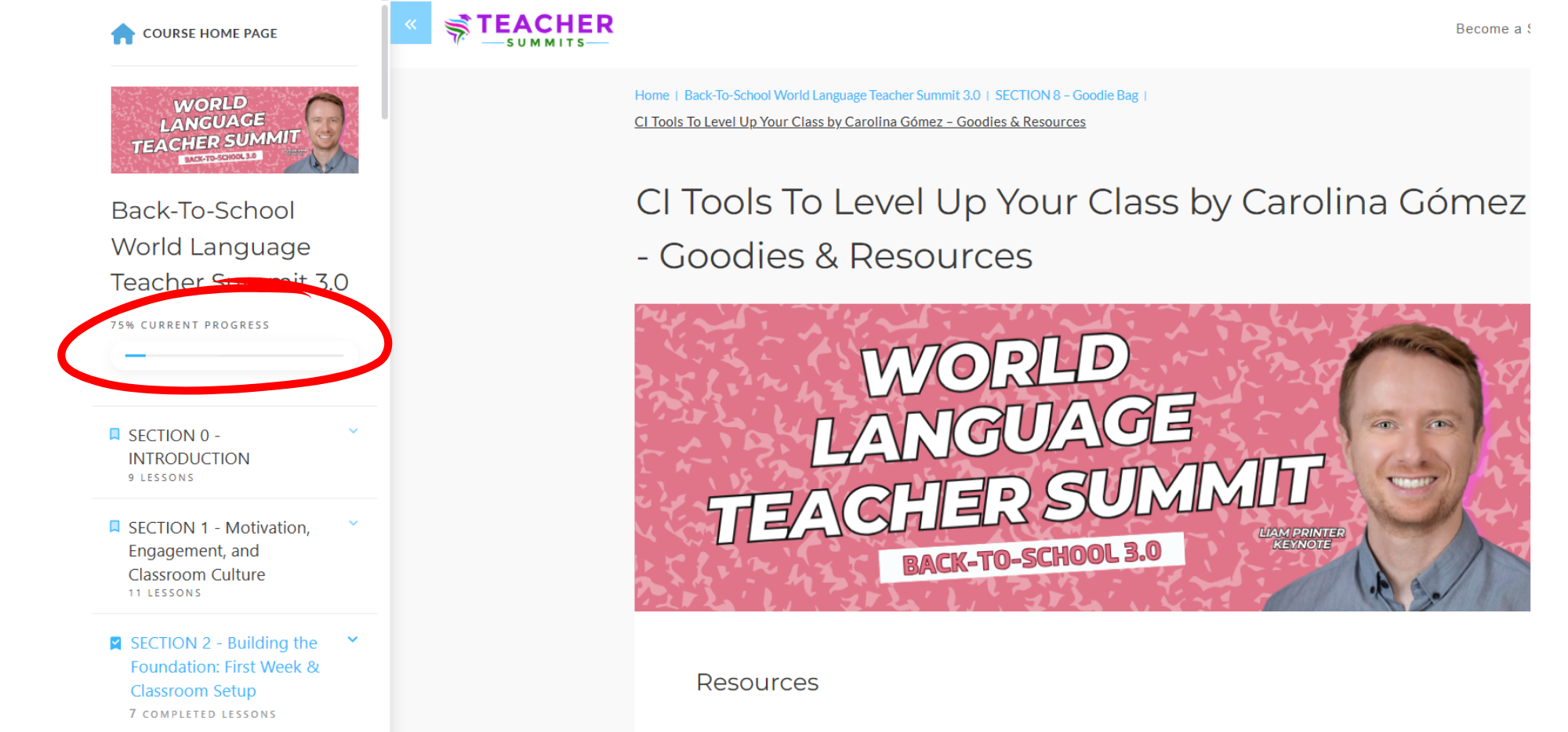
5. Enter every lesson, including all Goodie Bag and Bonuses lessons , and complete them by clicking “Next Lesson” at the bottom of each page.
Continue until your progress reaches 100%.
6. Once you reach 100% completion, a “Download Certificate” button will appear.
Click it to download, save, and print your certificate.
Contact us to receive your certificate: We are currently experiencing a technical issue that is causing PD Certificates to download incorrectly.
Once you complete the Summit, please email us at support@masteryroute.com, and we'll download your certificate from the admin backend and send it to you as an email attachment.
7. Each certificate includes:
- A unique serial number in the lower-left corner.
- A QR code that provides a direct verification link for authenticity.